A practical guide to building your profile, finding people, starting conversations, making plans, and using the safety tools.
Start here
Build a profile that feels like you.
Create your account
Start with your email, verify the one-time code, and choose a password.
Complete your profile
Add photos, prompts, interests, values, and the details that help people understand who you are.
Choose Dating, Friends, or both
Your mode determines the kind of connections you see in Browse.
Turn on notifications
Stay current on messages, likes, Sparks, and Hangout activity.
Discover
Browse
How recommendations work
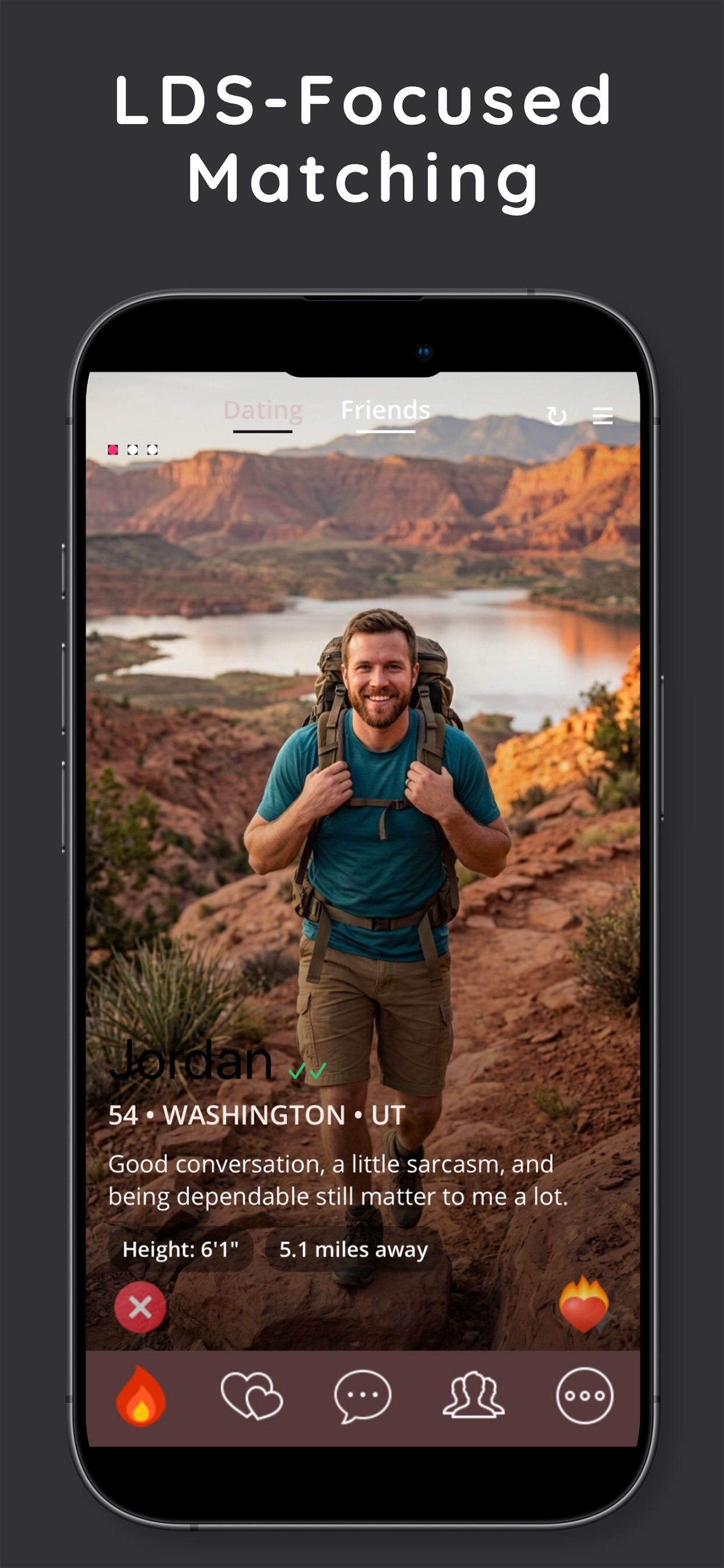
Browse shows recommended people, not automatic matches.
Age and distance use your saved preferences.
Other compatibility signals help order the feed.
Tap the heart to like someone, or open the card to view the full profile.
Filters
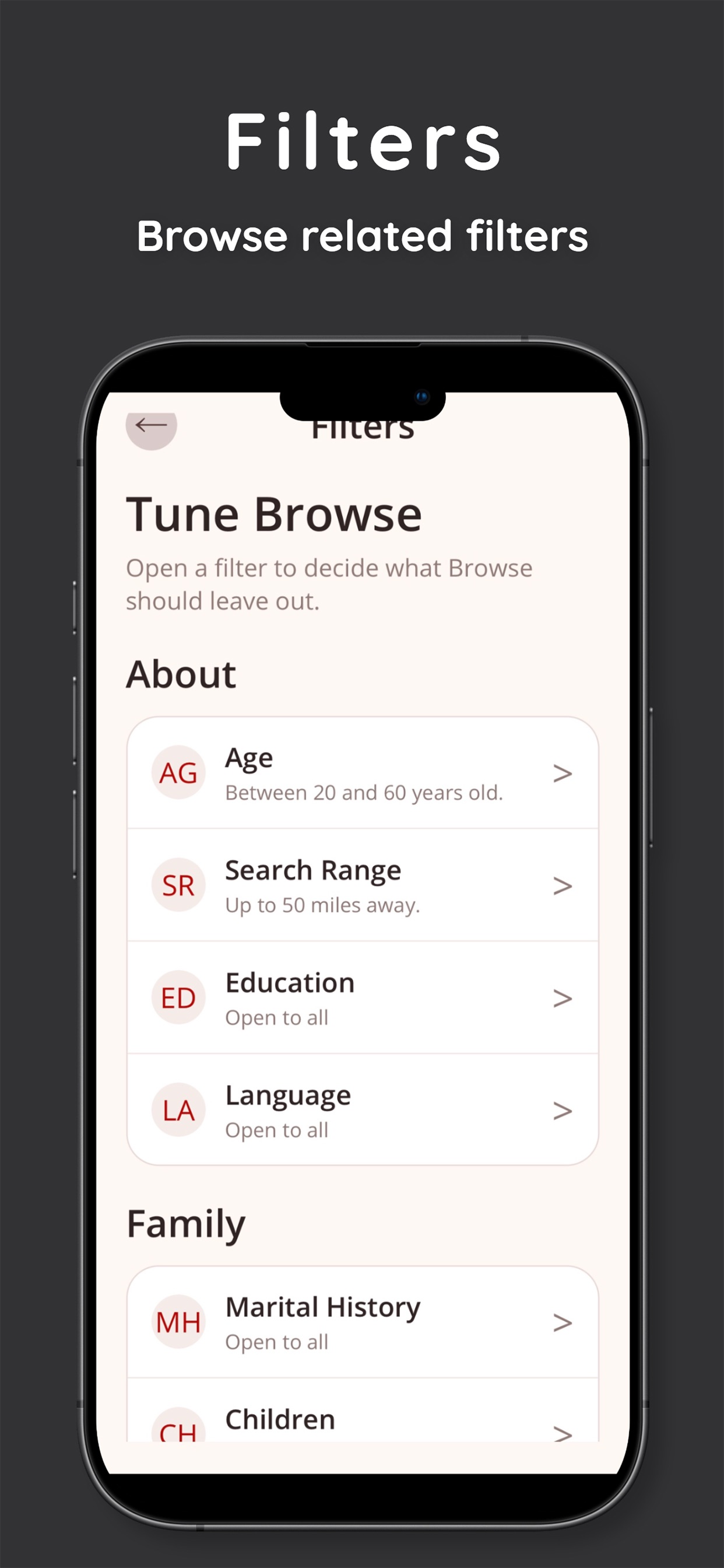
Filters narrow who appears in Browse.
Choose age, distance, education, language, family details, interests, and more.
You can update your filters from the Browse menu or More tab.
Mutual interest
Likes & Sparks
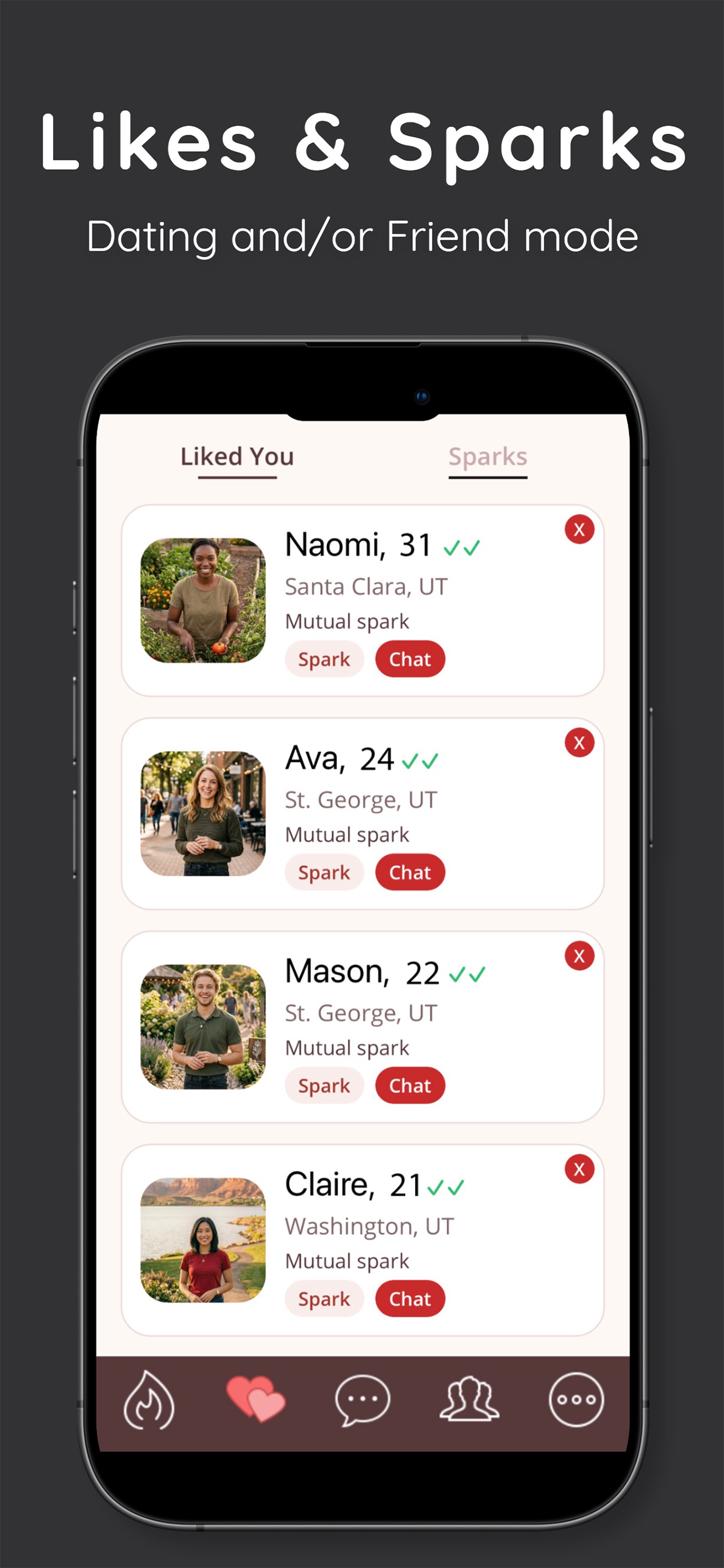
Liked You
See incoming likes, open a full profile, like someone back, or pass.
Sparks
A Spark happens when both people like each other. That mutual connection can open direct messaging.
Conversation
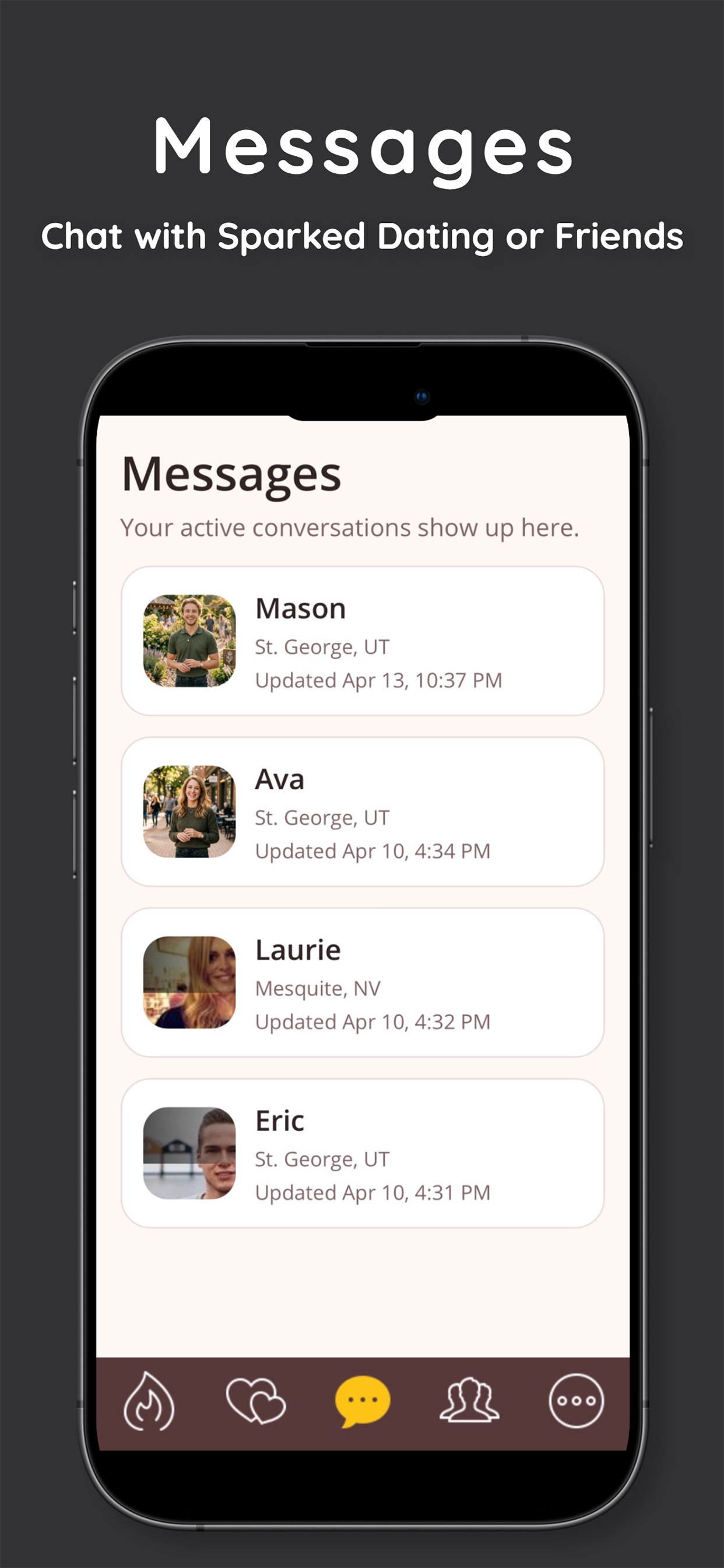
Messages
Direct conversations begin between mutual Sparks.
Unread counts can appear in the app and on supported device badges.
Typing indicators appear during active conversations.
Deleting a conversation removes it from your inbox; blocking is a separate safety action.
Meet locally
Hangouts
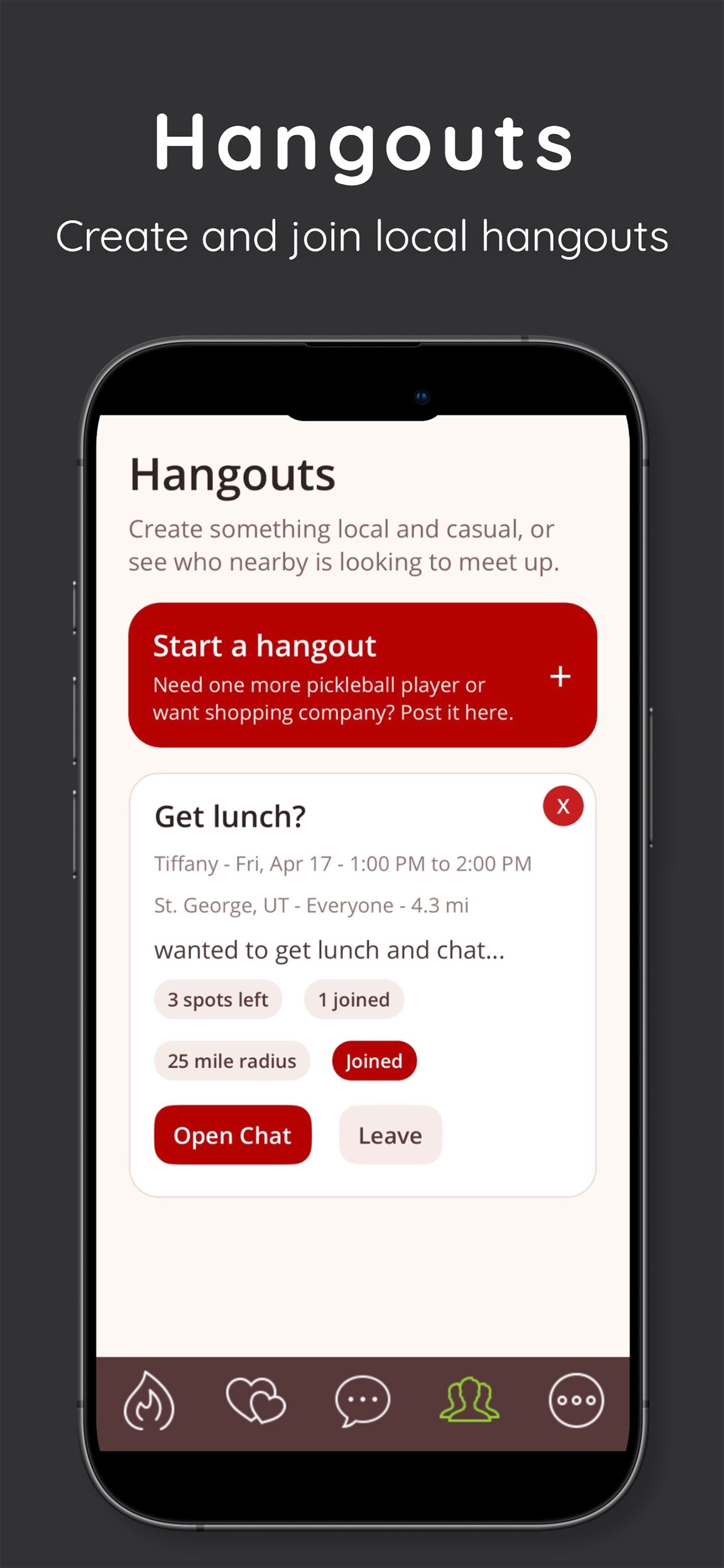
Post a Hangout
Add a title, details, time, destination, audience, radius, and open spots.
Nearby members can discover the plan and request to join.
Hosts can edit or remove an active Hangout.
Join and coordinate
Joined members take an open spot and appear in the participant list.
Hangout chat keeps planning in one place.
Expired Hangouts disappear after the event time passes.
Trust
Verification
Verify your phone with a one-time code.
Latter-day Saint-specific profile details may be submitted for review.
Verification indicators communicate completed checks; they are not identity guarantees or background checks.
Member tools
Safety & moderation
Block
Blocking removes a person from your Browse, likes, Sparks, and conversations and prevents future contact through Fireside.
Report
Reporting sends details to the moderation team and can also hide the member. Use it for harassment, fraud, impersonation, unsafe conduct, or standards violations.